

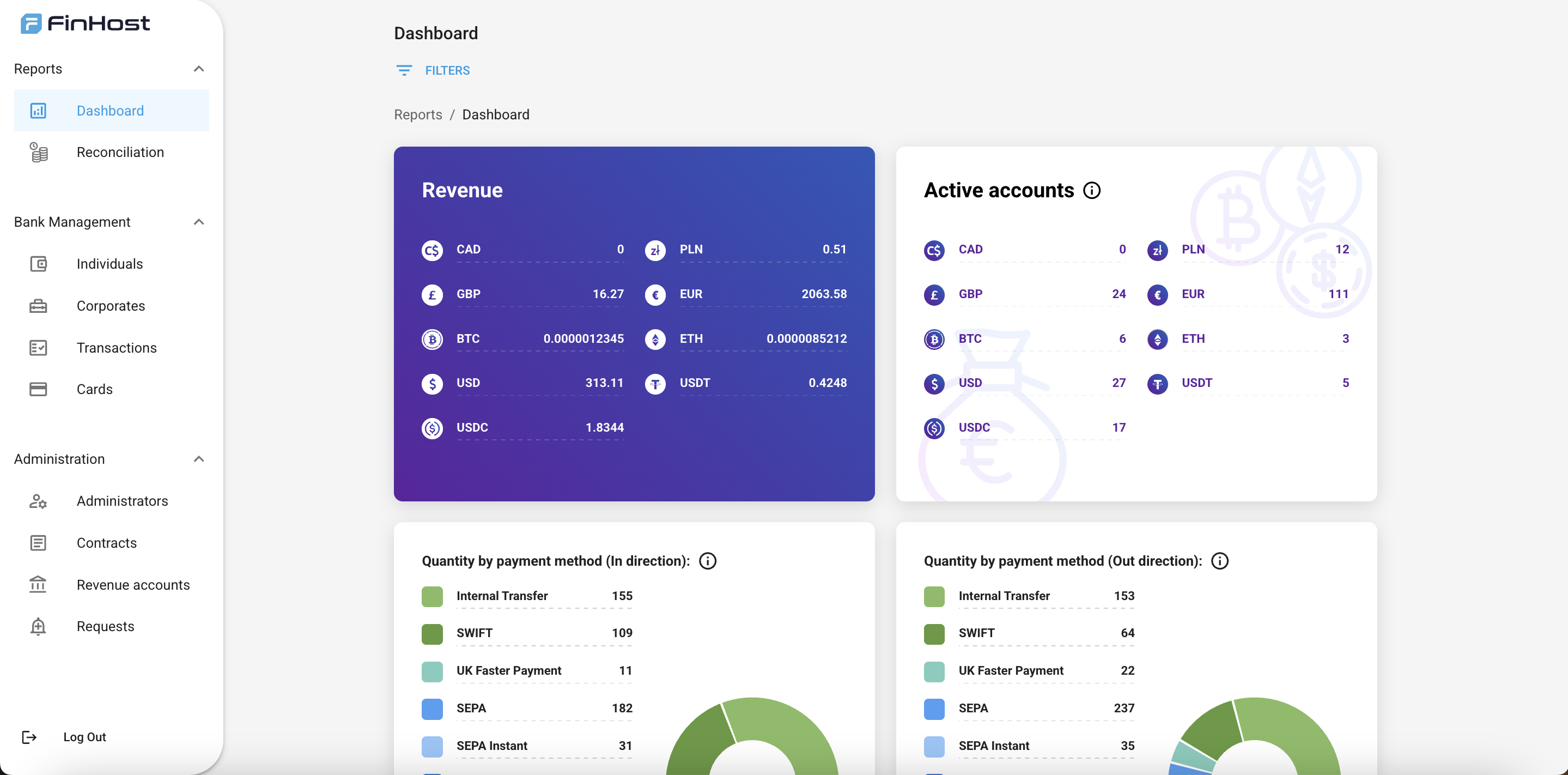
This page focuses on the Backoffice (admin panel) used by your team (ops, compliance, support, finance). If you’re integrating the API, see the API Integration — Introduction.
What is the Backoffice?
A secure, web-based admin tool for managing users, accounts, cards, transactions, reporting, and compliance workflows in your white‑label banking stack.Reports
Dashboards, onboarding, reconciliation.
Bank management
Individuals, corporates, transactions, cards.
Administration
Admins, contracts, revenue accounts, requests.
Access & invitations
To request initial access, provide to Finhost:- First name
- Last name
- Email (work)
Sign in (with 2FA)
- Open your Backoffice URL.
- Enter your email and temporary password from the invitation.
- Set up two‑factor authentication (2FA) with Google Authenticator.
- Use the one‑time code to complete login.
If you change devices, ask another admin to temporarily disable 2FA for your user, then set it up again on the new device.
Navigation primer
Use the left navigation to reach the main areas:- Reports → Dashboard, Onboarding, Reconciliation
- Bank management → Individuals, Corporates, Transactions, Cards
- Administration → Administrators, Contracts, Revenue accounts, Requests
Role‑based quick starts
Compliance
Review KYC/KYB states, run manual checks, monitor high‑risk transactions, and approve/decline Requests.
Operations
Create accounts, view balances & bank details, troubleshoot failed payouts, and reconcile Reports daily.
Support
Locate users, reset access (with policy), view recent transactions, and raise internal Requests to compliance.
Finance
Track KPI dashboards, export onboarding & reconciliation datasets, and audit Revenue accounts.
Daily checklist
- Review Dashboard KPIs & alerts
- Process pending Requests (limits, accounts, compliance flags)
- Clear today’s Onboarding queue
- Reconcile incoming/outgoing payments
- Sample check of high‑value transactions
- Audit recent admin actions (spot check)